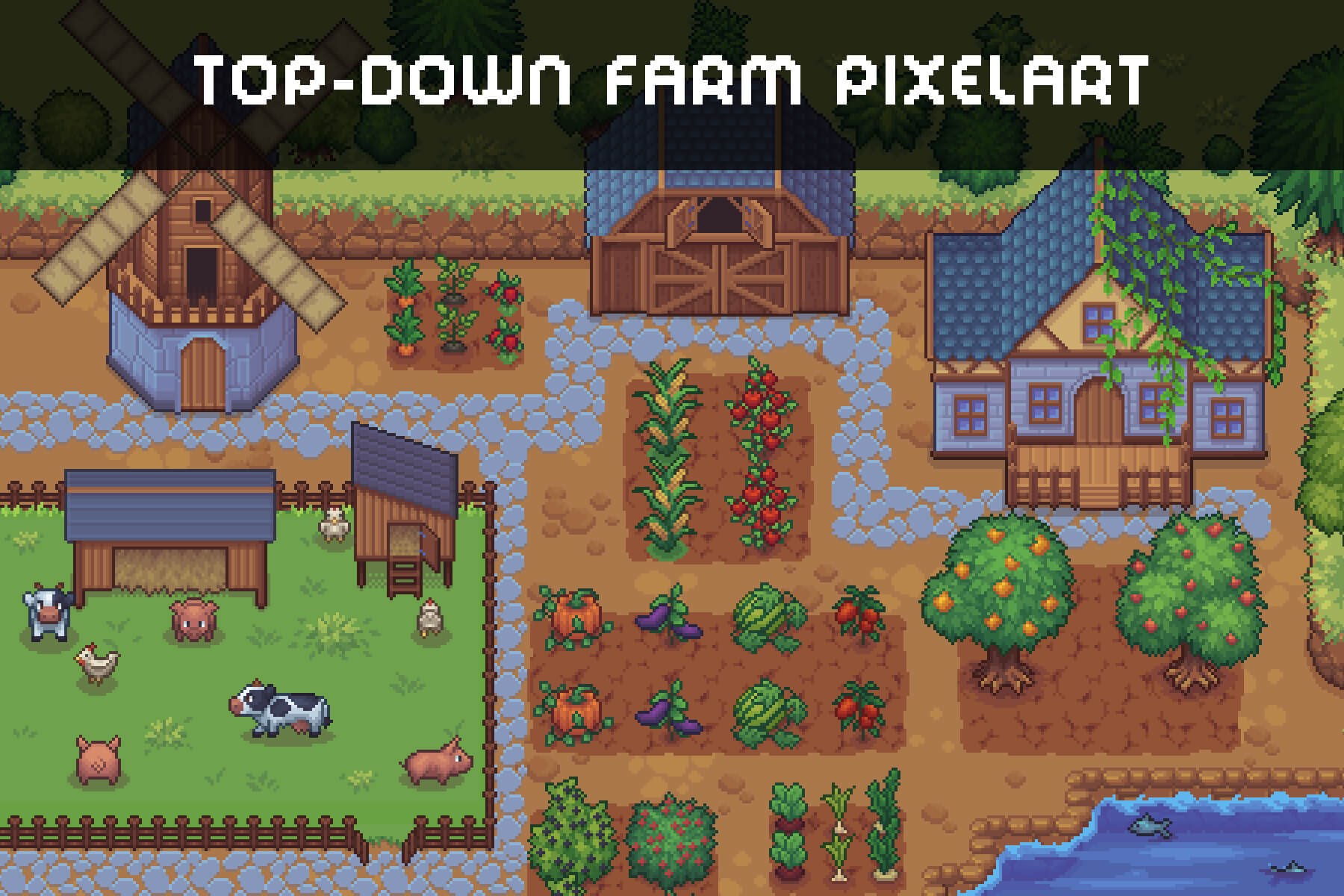
Building Your First Game? Here's Which Assets to Buy First
First-time devs blow their asset budget in the worst possible order. They drop $60 on a gorgeous character pack in week one, then realize three months later they don't even have a game for it to walk around in. And the project's already dead in a folder somewhere.
Buying assets is about sequence. Some things you want early because they unblock you. Some you should deliberately wait on. And some you shouldn't pay for at all until much later. Here's the order that actually works.
A $60 character won't save it. It'll just make a prettier corpse.
The golden rule: don't buy art before the game is fun
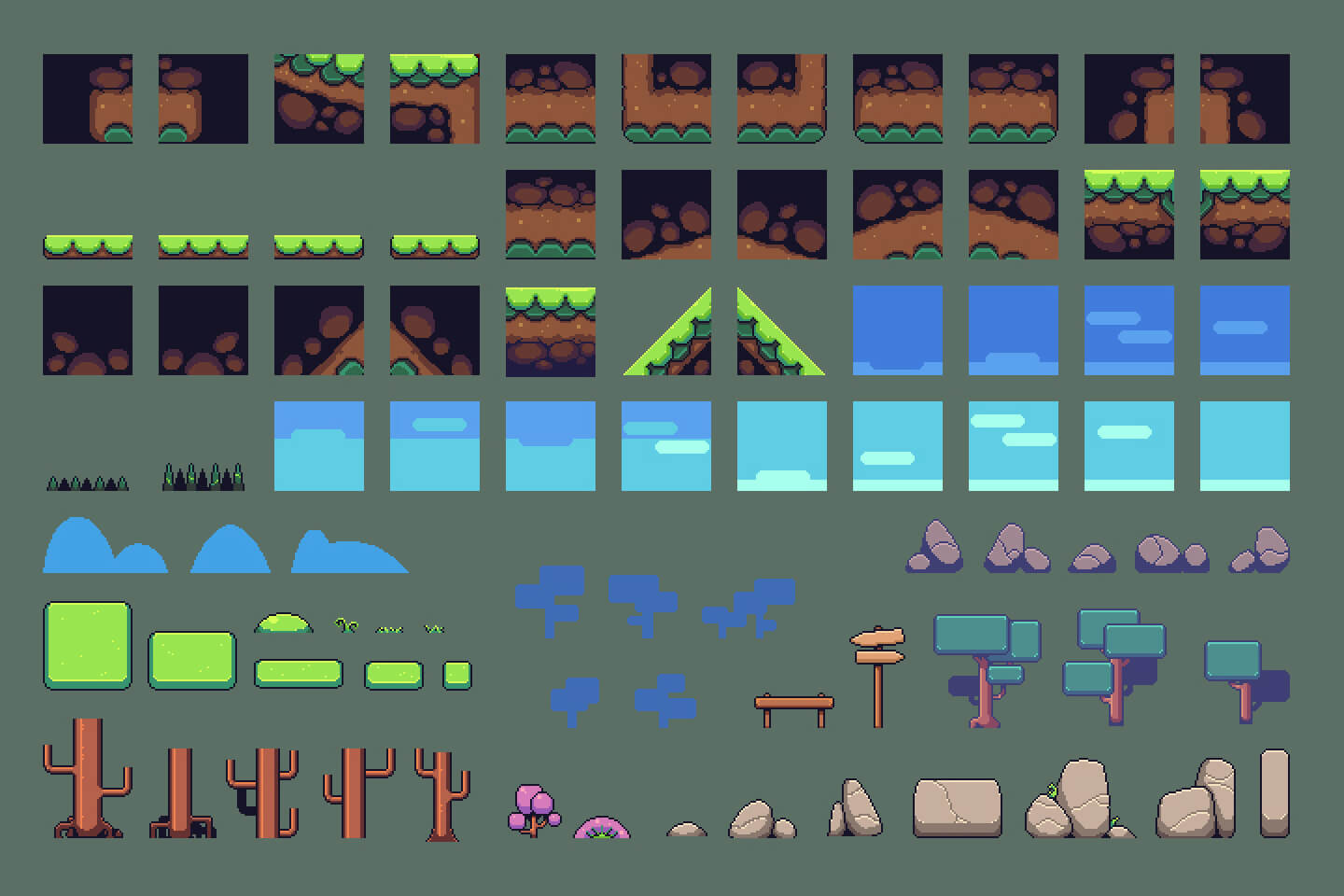
Image: via CraftPix
Burn this in: prototype with free/placeholder assets, and don't spend real money until the core loop is proven fun. Greybox it. Use capsules and free kits. If the mechanic isn't fun with programmer-art cubes, a $60 character won't save it. It'll just make a prettier corpse.
Every dollar spent on art before "is this fun?" is answered is a dollar at risk. So phase one costs you nothing.
Phase 1. Buy what unblocks development
Once the loop's fun and you're committing, here's what's worth money first, because each one removes a blocker:
1. A core environment / modular kit. This is usually the highest-leverage first purchase. A cohesive modular kit (dungeon, sci-fi corridor, town, whatever your setting is) lets you build actual levels fast, and it sets the visual tone for everything else. One good kit > a hundred mismatched singles.
2. Your main character (if it's a character game). The thing the player controls and stares at constantly deserves real money. Get it rigged and game-ready (Unity Humanoid if you're in Unity) so animations just work. This is the asset that defines how your game feels.
3. A solid animation set. A great character model with stiff or missing animations feels worse than a simple character that moves well. Idle, walk, run, jump, the basics. Done properly.
These three get you from "tech demo" to "looks like a game."
Phase 2. Buy what adds polish
Now the game exists and plays. These purchases make it feel finished:
4. Audio. SFX and music. Wildly underrated by beginners. Good sound does more for "feel" per dollar than almost anything visual. Footsteps, impacts, UI clicks, ambient loops, a music track or two. Cheap, huge impact.
5. VFX / particles. Hit sparks, dust, magic, explosions. The juice that makes actions feel satisfying. A good VFX pack instantly lifts a flat-feeling game.
6. UI kit. Menus, buttons, HUD, icons. A clean UI pack makes an amateur project look pro fast, and building UI from scratch is a time sink most beginners underestimate.
7. Secondary props and set dressing. The clutter that makes a world feel lived-in. And notably, the category where cheap or even AI-assisted assets are totally fine, because nobody's inspecting the wireframe on a background barrel.
Phase 3. Buy last (or never, early)
Stuff that feels exciting but is premature:
- Huge "mega bundles" you'll use 5% of. Tempting, mostly wasted.
- Niche one-off props for content that isn't built yet.
- Editor tools/plugins. These are genuinely great and often the highest-value purchases for a working dev, but as a beginner, learn the engine's built-in tools first so you understand what the plugin is even saving you.
The cohesion warning
One thing that overrides the whole order: buy within a consistent style. The fastest way to look amateur is a realistic character in a low-poly world, or five environment packs that all clash. Pick your art lane early (see our low-poly vs realistic breakdown) and buy inside it. Cohesion beats individual asset quality every single time.
Your starter shopping list, in order
- (Free) Placeholder everything. Prove the loop
- Core modular environment kit
- Main character (rigged, game-ready)
- Animation set
- Audio (SFX + music)
- VFX / particles
- UI kit
- Set-dressing props
- (Later) Editor tools, niche props, bundles
Follow that and your budget goes to the things that move your project forward, in the order they actually unblock you.
On DevLoot, you can shop by category and filter by style and engine, so building a cohesive starter kit doesn't mean buying ten packs and hoping they match. Start with the environment, add the character, layer the polish. That's how first games actually get finished.
Starting your first project? Browse starter kits and assets on DevLoot →
Related reading
Hero image: via CraftPix