Game Asset Preview Videos: The 90-Second Clip That Sells Your Pack
You spent three weeks on the pack. Retopo done properly, normals baked clean, a demo scene that actually opens, a readme nobody asked for. You uploaded it with twelve screenshots and a thumbnail you were kind of proud of. Two weeks later you have four sales and one of them is your friend being nice.
I have been in that exact hole more than once. What eventually pulled me out was not better renders and it was not dropping the price. It was a 70 second video.
Screenshots prove it exists. Video proves it works.
The buyer's real question is never "is this pretty." They already know it is pretty, they can see the thumbnail. Their question is "will this drop into my project without eating my weekend." A still image cannot answer that. A still is a promise. A clip is evidence.
Think about how you buy. You are three tabs deep looking for a modular sci-fi corridor kit. Two listings look equally good in stills. One has a video where the seller drags a prefab into a scene, snaps three pieces together, and hits play. Which one do you buy? You buy the one where you already watched it work, because the risk just went to almost zero.
Screenshots sell the art. Video sells the integration. Buyers are paying for the second one, they just look at the first one to decide whether to keep reading.
This is also why refund rates drop when you add video. The people who buy after watching a clip know what they are getting. Nobody opens the package and finds out the "rigged" character has a rig you would not wish on an enemy, because they saw it move.
The 60 to 90 second structure that works
Ninety seconds is the ceiling. I know your pack has 140 props and you love all of them. Nobody is watching a four minute prop parade. Cut to what earns the click.
Seconds 0 to 5: best shot, no intro
No logo sting. No "hey guys welcome back." No slow fade from black. Your single strongest asset, lit properly, moving, in frame one. Most players decide in about three seconds whether to keep watching, and a logo animation burns all three.
Seconds 5 to 45: the whole pack, fast
Two seconds per hero item on a turntable, then a slow dolly across everything laid out in a row. If your pack has variants (color swaps, damaged versions, LOD steps) show them switching. That is the part people cannot get from a contact sheet, and it is usually the reason someone picks your pack over the cheaper one.
Seconds 45 to 70: prove the integration
This is the section almost everybody skips and it is the whole point. Show your actual editor. Drag the prefab from the Project window into the scene. Show the hierarchy so people can see it is not a 400 object mess. Click the material and show the inspector, real PBR slots, real texture names. Then hit play.
Screen record it raw. Do not fake this with a pre-rendered cinematic. Buyers can tell, and the whole reason this works is that it looks like a normal Tuesday in someone's project.
Last 10 seconds: what is in the box
One static text card. Asset count, poly range, texture resolution, formats, engine versions you tested. Hold it for a full four seconds so people can actually read it, and so it survives being screenshotted and posted somewhere.
How to record this without becoming a video editor
You do not need After Effects and you do not need to learn color grading. Here is the entire toolchain.

OBS Studio, the only capture tool most asset sellers ever need. Screenshot via Wikimedia Commons.

Capture with OBS. Window capture on your engine or on Blender, 1920x1080, 60fps, and turn your desktop notifications off first because a Discord popup mid clip looks amateur. For turntables, parent the model to an empty and keyframe a 360 degree rotation over 120 frames. That is a two minute setup and you can reuse the scene forever.
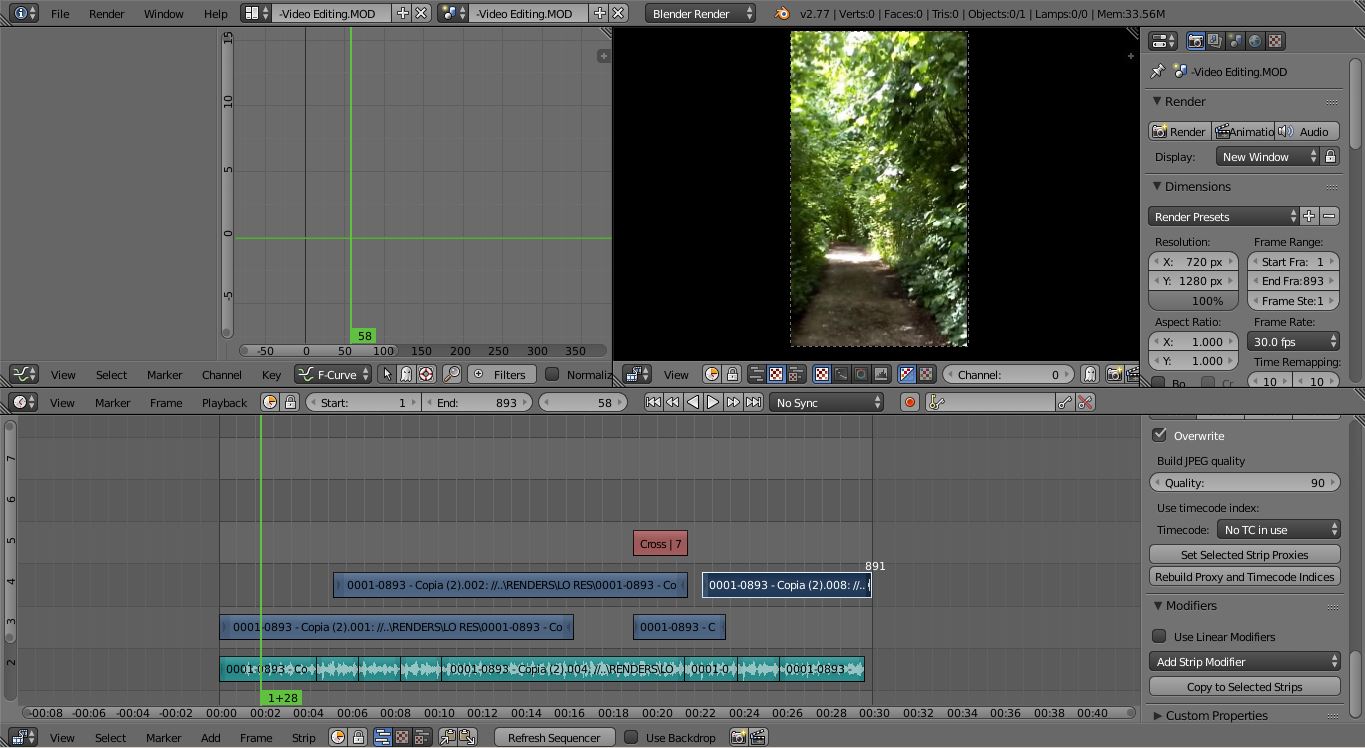
For the cut, any free editor is fine. Straight cuts only. No cross fades, no whooshes, no zoom transitions. Transitions are what people add when the footage is boring, and if your footage is boring the fix is better footage.
Audio: either silence or something quiet and neutral at maybe 15 percent. Most people watch these muted on a second monitor anyway. Skip the voiceover unless you genuinely enjoy doing them, because a bad voiceover is worse than none. Burned in captions do the same job and they work with the sound off.
The failure modes I see constantly
Four minutes long. If your video is over 100 seconds you are showing me your process instead of your product.
Music at full volume with a drop at 0:30. I closed the tab at 0:04.
A cinematic with heavy bokeh, volumetric fog, and a slow crane shot. Beautiful, tells me nothing about whether your UVs are sane.
Choppy capture. If your recording is dropping frames because you were rendering at the same time, buyers read that as "this pack is heavy," which is not what you want them thinking.
Ending on nothing. The last frame sits on somebody's screen while they decide. Put your store name on it.
Where the video goes once you have it
First slot on the listing, ahead of the screenshots. Make the video poster frame match your thumbnail so the store page feels like one thing instead of two, which is the same reasoning behind thumbnails that actually sell.
Then chop it up. The turntable section is a standalone post. The drag-and-drop integration bit is a great short on its own. One 90 second recording session gives you a month of social content without you having to invent anything new. Pair it with a listing description that carries its weight and you have a page that converts, which I got into in writing asset descriptions that convert.
Now put that work somewhere that pays you for it
Here is the part that stings. You do the video, the listing tightens up, conversion goes from 1 percent to 3 percent, and then the marketplace takes a third of it. On a lot of the big stores that is exactly what happens, and the effort you put into that clip mostly funds somebody else's platform.
DevLoot is set up differently. The fee is 8 percent on Pro and 12 percent on Free, so you keep up to 92 percent of every sale. Payouts run through Stripe Direct Charges, which means the money lands in your account fast instead of sitting in a 60 day holding pattern. You get a custom storefront that your branding actually lives on, plus verified badges so buyers can tell you are a real creator and not a reupload account.
If you already have a pack sitting on your drive with no video, this weekend is a decent time to fix both things at once. Record the clip, then set up your vendor account and list it. Onboarding takes a few minutes and the get started guide walks through the rest.
Your assets are probably better than your listings. The video is the cheapest way to close that gap.