Draw Calls and Batching in Unity: How to Cut CPU Render Cost in 2026
Your frame rate is fine until you spawn the real level
You build a test scene, it runs at a smooth 200 FPS, and you feel great. Then you drop in the actual level, a few hundred props, some grass, a handful of characters, and the CPU falls off a cliff while the GPU sits there barely sweating. The culprit is almost always the same thing: too many draw calls, and nothing batching them together.
Draw calls and batching in Unity are the part of rendering most people ignore until a build stutters on a mid-range phone. This is the plain English version of what a draw call actually costs, what batching does about it, and which of Unity's four batching systems you should reach for in 2026.
What a draw call actually costs
A draw call is your CPU telling the GPU "draw this mesh, with this material, using this shader." The GPU part is usually cheap. The expensive part is the setup: the CPU has to bind the mesh, set the material properties, switch shader state, then issue the command. Do that a few hundred times a frame and the CPU spends more time preparing draws than your game logic ever gets to run.
That is why the fix is rarely "draw less stuff." It is "prepare draws more cheaply." Every batching system in Unity is a different trick for cutting that per-object CPU setup cost. Before you touch any of them, open Window > Analysis > Frame Debugger, hit Enable, and read the list. It shows every render event in order and, better, tells you exactly why a new batch had to start. That one reason column saves hours of guessing.
The GPU is rarely your bottleneck on a stuttering Unity scene. The CPU choking on draw call setup almost always is, and batching is how you unchoke it.
Static batching: great for props that never move
Static batching combines meshes that share a material into one big combined mesh at build or load time, so Unity can draw them with far fewer calls. Tick Batching Static in the Inspector and the object qualifies. The limit worth knowing: each static batch tops out at 64,000 vertices. If a combined batch would exceed that, Unity splits it, so 128,001 verts becomes three batches instead of one.
The catch is memory. Static batching duplicates the combined geometry, so it trades RAM and build size for CPU time. For a room full of crates, walls, and rocks that never move, that is a fair deal. For a whole open world, it gets expensive fast.
Dynamic batching: mostly retired
Dynamic batching does the same idea at runtime for small moving meshes, but the rules are strict: under 300 vertices, under 900 vertex attributes, single-pass shader. Unity rebuilds these batches on the CPU every single frame, and above those limits the batching cost outweighs the saving. It is deprecated now and only really worth leaving on for lower-end mobile. Do not build your performance plan around it.
SRP Batcher: the default if you use URP or HDRP
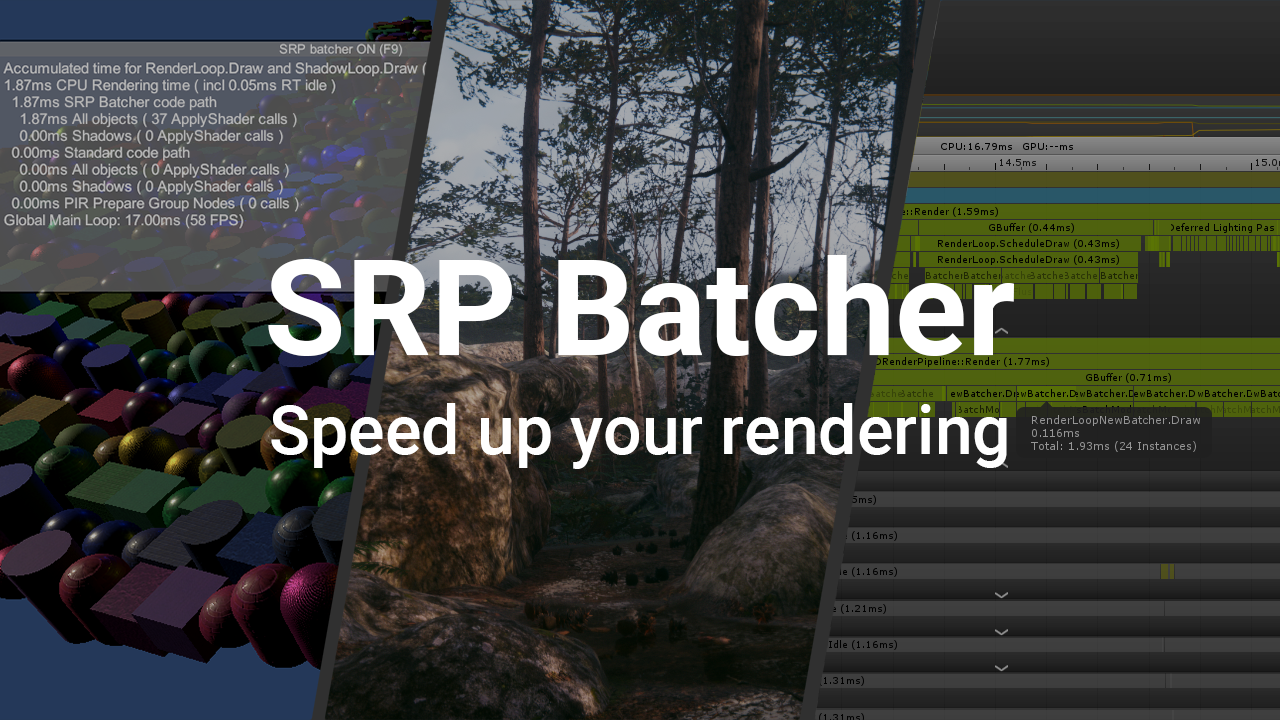
If your project uses the Universal or High Definition Render Pipeline, and in 2026 most new projects do, the SRP Batcher is your main tool. Here is the part people get wrong: it does not reduce the number of draw calls. It reduces the cost of the render-state changes between them. It keeps material data in persistent GPU buffers, so a run of objects that use the same shader variant can be drawn back to back without re-uploading everything each time. Same draw call count, far less CPU per call.
It is a checkbox in your active pipeline asset, so most of the job is just not breaking it. The classic mistake: calling MaterialPropertyBlock on a renderer kicks that object out of the SRP Batcher path, and it also blocks the newer GPU Resident Drawer. If you have a script tinting hundreds of objects with property blocks, you may be quietly disabling two of your best batching tools. Which system helps most also depends on which render pipeline you picked.
GPU instancing and the GPU Resident Drawer
When you have thousands of copies of the same mesh with the same material (grass, rocks, a crowd) GPU instancing draws all of them in one call with per-instance data. It is not compatible with the SRP Batcher on the same object, so for identical repeated meshes instancing usually wins outright.
Unity 6 pushes this further with the GPU Resident Drawer. It uploads your MeshRenderer data to a GPU buffer once, then the CPU sends a single high-level draw command and compute shaders expand it into thousands of instances on the GPU. Unity's own foliage test with over 35,000 objects collapsed down to 128 batches, and the feature can cut CPU rendering cost by roughly half on heavy scenes.

Unity 6's rendering stack, home of the GPU Resident Drawer. Credit: Unity Technologies.
It is not free to switch on. You need the Forward+ rendering path, a platform with compute shader support, BatchRendererGroup Variants set to Keep All in Graphics settings, and GPU Resident Drawer set to Instanced Drawing in the pipeline asset. Unity also recommends turning static batching off so the two do not compete. Expect about 100 MB more memory and longer build times. On a large world it pays for itself; on a tiny scene it is overkill.
A sane order to actually do this
Measure first. Open the Frame Debugger and the Profiler and confirm the CPU render thread is genuinely your problem before you change anything. Then share materials aggressively, because two objects with different materials can never batch, no matter which system you use. Atlas your textures so more objects can share one material. A lot of the modular environment kits on DevLoot already ship with shared materials and atlased textures, which quietly does half the batching work for you.
From there: leave the SRP Batcher on for URP and HDRP, use GPU instancing or the GPU Resident Drawer for anything you spawn by the thousand, and keep static batching for fixed props on lower-end targets. Then go back to the Frame Debugger and confirm the batch count actually dropped. Batching is one slice of a bigger picture, so once the render thread is calm it is worth a full pass to optimize the rest of your Unity game too.