How to Add a Stardew-Style Fishing Minigame in Unity Without Writing Code
The side activity that keeps players in your world
Every developer building a cozy sim or an open-world RPG eventually runs into the same quiet problem. Your main loop works. Combat feels fine, the map is filling in, the crafting bench does its job. But testers keep saying the same thing in different words: there is nothing to do when they just want to slow down. No little ritual to sink into at the end of a play session. No reason to sit by the water and breathe.
Fishing is the classic answer, and there is a reason it shows up in Stardew Valley, Animal Crossing, Dave the Diver, and half the survival games on the market. A good fishing loop gives players a low-stakes activity with a satisfying skill curve, a collection to complete, and a steady drip of resources for cooking and quests. It is the kind of feature that quietly doubles session length.
The trouble is that a fishing minigame is deceptively deep to build. What looks like a bobber and a bar is actually a stack of interlocking systems: cast input, bite timing, a physics-driven catch bar, rarity and quality tiers, seasonal spawn tables, rod and bait progression, XP curves, a journal, and a whole UI to show it all. Most solo devs and small teams estimate a weekend and lose two weeks. Then it ships buggy, or it never ships at all.
Why building it from scratch eats your schedule
The hidden cost is not the visible mechanic. It is everything hanging off it. Once you have a catch bar working, players immediately expect the fish to feel different from each other. That means difficulty tuning per species. Then they want the rare fish to actually be rare, which means spawn rules tied to water type, season, time of day, and weather. Then they want the rod they grinded for to matter, which pulls in equipment stats and progression gating. Then they want to see what they have caught, so now you owe them a persistent journal.
Each of those is a small system on its own. Wired together by hand, in raw C#, they become a tangle that is painful to balance and worse to change later. If you are working in Game Creator 2 specifically, you also want all of this to speak the visual scripting language your designers already use, so a non-programmer can tweak a bite delay without filing a ticket. Writing that bridge yourself is its own project.
Most fishing systems do not fail because the mechanic is hard. They fail because the twenty supporting systems around it never get finished.
A drop-in system built the way GC2 already works
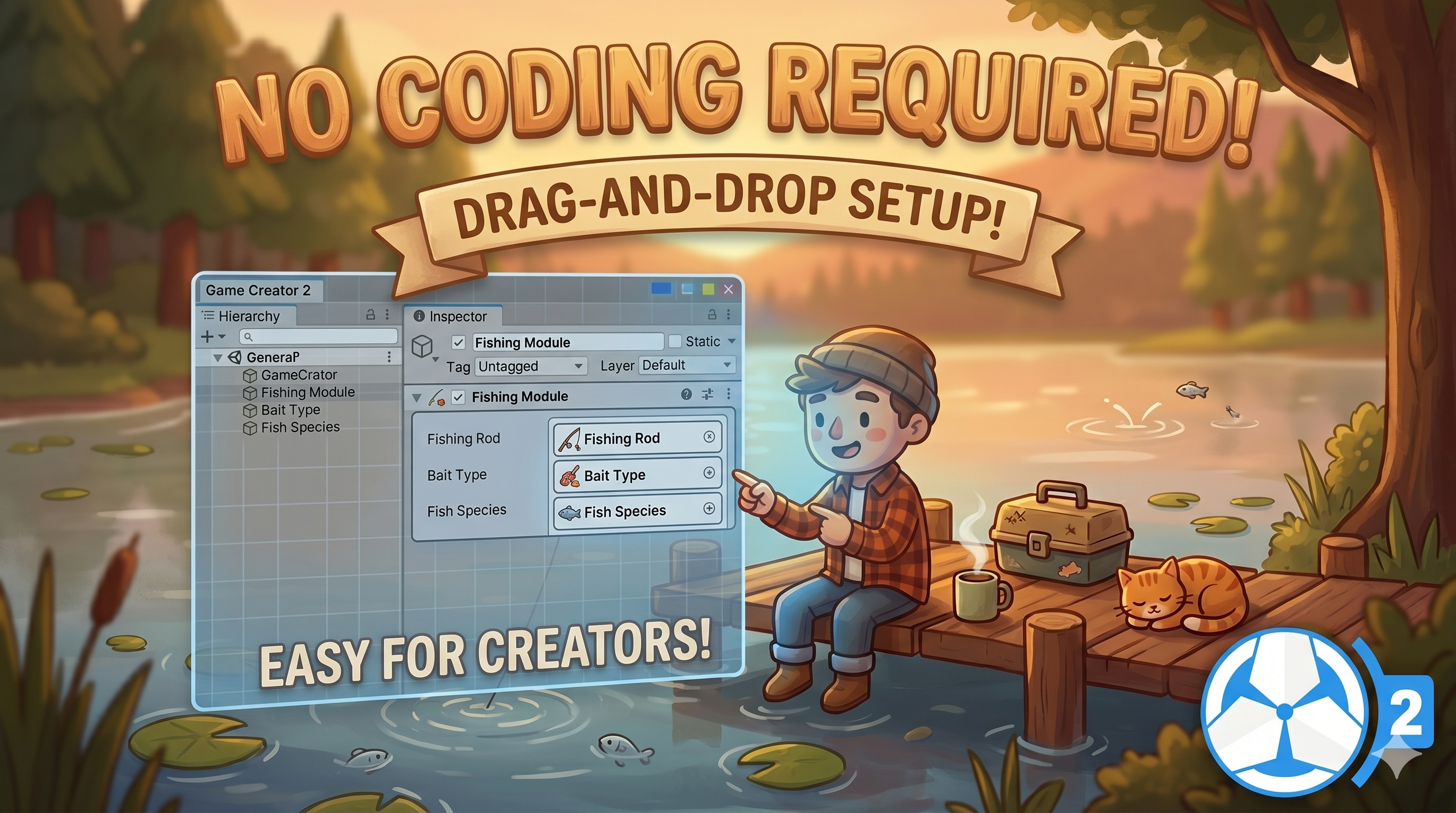
This is the exact gap the RUTZ Fishing Module for Game Creator 2 is built to close. It is a complete, tuned, Stardew-inspired fishing system that installs into any GC2 project and runs without a single line of code. The catch bar, the cast arc, the quality stars, the journal, the progression, all of it is already built and wired. You spend your time designing fish, not debugging a state machine.
What makes it fit a real production is that it does not ask you to learn a new way of working. Every fish, rod, tackle, and bait is an independent ScriptableObject, and every setting lives in the Unity inspector using familiar Game Creator 2 patterns. If you have ever wondered where this data-driven approach pays off, our note on when to use Unity ScriptableObjects covers exactly why swappable asset databases like this scale so well.
What you actually get out of the box
The depth is where this stops feeling like a demo and starts feeling like shipped content. There are 92 visual scripting nodes (31 properties, 24 conditions, 22 actions, and 16 triggers) so your designers can react to catches, check equipment, award XP, gate progression, and drive UI entirely from GC2's node graph. The catch itself uses the proven bar-and-fish minigame players already know, with fish difficulty scaling the bar size, decay rate, and movement speed so an easy carp feels relaxing and a legendary catch feels tense.
Underneath sits a full progression layer: fishing levels, XP rewards, quality tiers from Normal up to Perfect and Iridium with one to five stars, rod tier gating, and a persistent Fish Journal that tracks every species, the largest size, and the best quality you have landed. Spawn rules combine 6 water types, 4 seasons, 4 times of day, and 5 weather conditions, so a legendary lava eel that only surfaces in summer storms at night is one ScriptableObject and zero code.
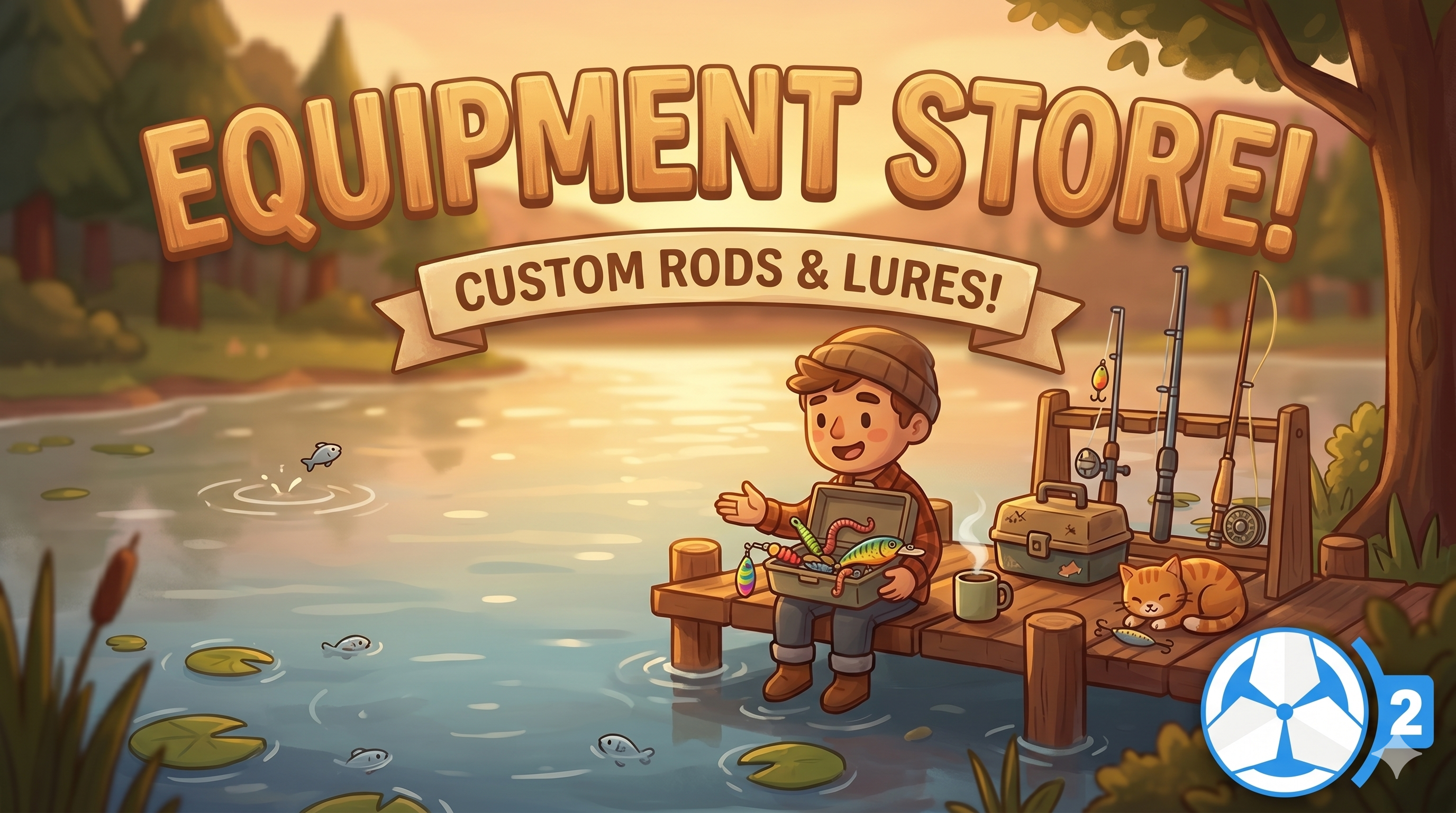
Equipment has real weight too. Rods carry tier progression and stat bonuses, tackle modifies bar size, decay rate, treasure chance, and escape speed, and bait speeds up bites and boosts quality, all hooked into GC2 inventory. There is even a configurable treasure system with its own progress bar and level-gated loot tables. When you are ready to show it, one menu command (RUTZ, Fishing, Generate UI Canvas) builds the entire wired interface, minigame panel, result popup, stars, rarity badges, in a single click, all in TextMeshPro.
Who this is for
If you are building a cozy farming or life sim that needs a relaxing loop, an RPG that wants side activities feeding into crafting, a survival game with food gathering, or a dedicated fishing title on GC2, this drops straight into your pipeline. The same no-code, inspector-first philosophy shows up across the best GC2 tools, and if you like this approach you will recognize it in our writeup on no-code object placement in Unity.
Tuning it to your game in an afternoon
Because everything routes through one Fishing Settings asset, presets are quick to reach. Set the cast to Fixed, drop fish difficulty to 15 to 30, and shorten the bite delay, and you have a peaceful, no-fail pond for a cozy build. Push to a saltwater zone with difficulty 70 to 110, darting fish, a smaller bar, and a master-tier rod requirement, and the same system becomes rewarding endgame content. Every value is exposed with tooltips, so balancing is a slider session, not a code review.
The takeaway
Fishing is one of those features that returns far more player time than it costs, but only if you actually finish it. Rebuilding the whole stack by hand is how good intentions turn into a stalled branch. If you are on Game Creator 2 and you want a polished, deep, fully tunable fishing loop your designers can own, the RUTZ Fishing Module for Game Creator 2 gets you from empty scene to a catch worth celebrating in an afternoon. Grab it, generate the UI, and let your players find their spot by the water.