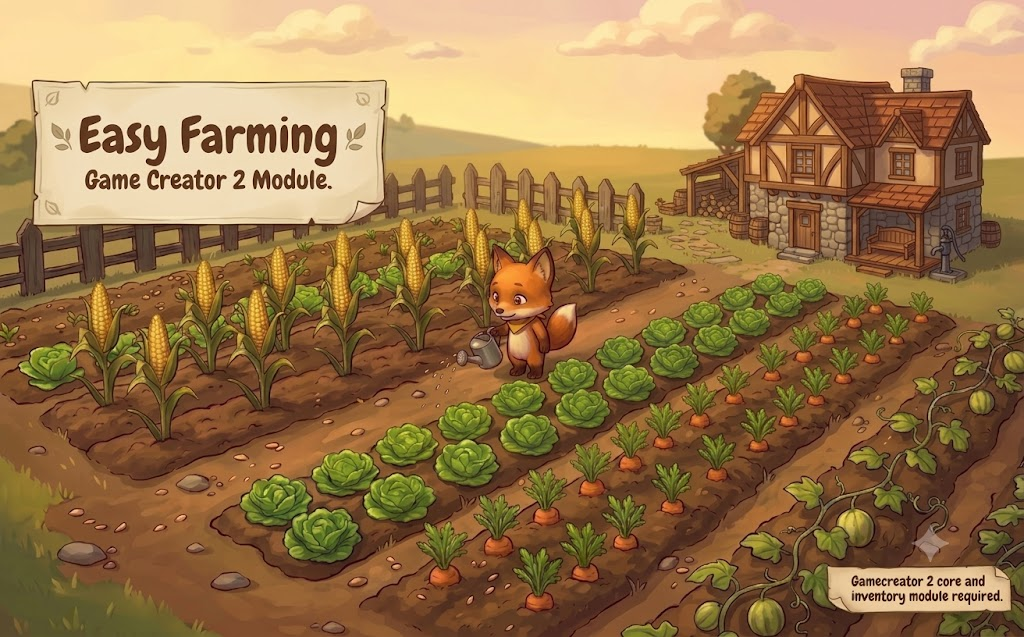
How to Add a Farming System in Unity with Game Creator 2 (No Code Required)
Every few months a cozy farming game blows up on Steam and a thousand devs open Unity thinking the same thing: how hard can planting a carrot be? You click dirt, a sprout appears, three days later you harvest. It looks like a weekend feature. Then you start building it, and the weekend becomes a month.
The farming loop is one of those mechanics that hides its complexity behind charm. Players see a seed and a watering can. You see a state machine for every crop, timers that have to survive scene changes and save files, an inventory that needs to know the difference between a seed, a growing plant, and a harvested item, plus a pile of UI that has to float in world space without falling apart on different aspect ratios. If you are building in Game Creator 2 specifically, you also know the feeling of wiring forty triggers and local variables together, renaming one thing, and watching the whole vegetable patch quietly stop working.
Where the Time Actually Goes
Before talking about the fix, it helps to be honest about the cost. A farming system that feels good to play needs, at minimum:
- Growth state machines. Each crop moves through stages (seed, sprout, mature, ready) with its own timing, visuals, and rules for what interactions are allowed at each stage.
- Persistence. Crops keep growing across saves and scene loads. A player who plants corn, quits, and comes back tomorrow expects corn, not a reset plot. Serialization of grid state is where most homebrew farming systems die.
- Inventory integration. Seeds come from somewhere, harvests go somewhere, and quantities have to stay in sync with everything else in your game.
- World space UI. Progress bars above crops, harvest prompts, seed pickers. All of it needs to track objects in 3D space and stay readable.
- Tuning tools. You will rebalance growth times and yields constantly, and if changing a number means editing five prefabs, you will stop iterating and your farming will feel flat.
None of these is exotic. Together they are a dozen systems pretending to be one feature. That is the trap.
A farming mechanic is never one feature. It is a state machine, a save system, an inventory bridge, and a UI kit all wearing the same straw hat.
The Module That Skips the Month of Plumbing
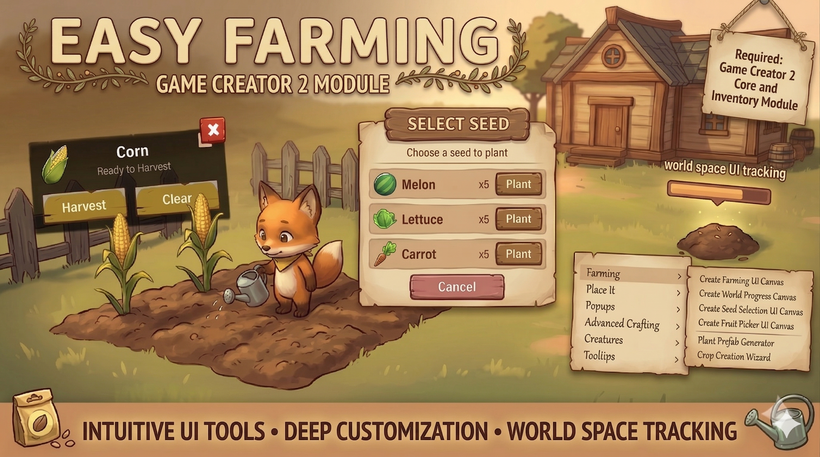
This is exactly the gap that Easy Farming for GC2 by Rutz Studios fills. It is a complete farming system built natively for Game Creator 2, sitting on top of GC2 Core and the Inventory module, and it covers the entire loop: planting, growth, watering costs, harvesting, and persistence, all through GC2's visual scripting. No C# required at any point.
What sold me on the approach is that it treats farming as a content pipeline, not a demo scene. Plenty of asset packs give you one working tomato and wish you luck. Easy Farming instead gives you a wizard that manufactures crops.
A New Crop in Three Steps
The Crop Creation Wizard walks you through identity, growth, and yield. Step one, you name the crop, assign a seed icon, and pick the harvest item; the wizard generates the matching GC2 Inventory items for you. Step two, you define how many growth stages it has and attach resource costs to each stage, whether that is water, fertilizer, or currency. Step three, you set how much each harvest produces and hit generate. The wizard builds all prefabs, scriptable objects, and GC2 wiring in one pass. Going from "my game needs strawberries" to a plantable, harvestable strawberry takes about a minute, which means adding your twentieth crop is as painless as your first.
The UI Is Already Done
The module ships with a full farming interface: a seed selection panel driven directly by GC2 Inventory data, a farm plot HUD showing crop name and growth state with harvest and clear actions, and floating world space progress bars that track growth in real time. There is a one-click menu that generates the whole canvas stack pre-wired. Everything can be reskinned to match your art style, so it reads as scaffolding you build on rather than a look you are stuck with.
Cross Germination Is the Sleeper Feature
Most farming systems stop at plant and harvest. The Infusion system here is what pushes the design space further: you can combine crops with special ingredients to produce different yields. Add butter to corn and the harvest becomes popcorn instead of cornhusks. Any recipe you can define, the system resolves. Pair that with the central Crop Registry, where every crop lives in one browsable list with per-crop toggles, and you have the raw material for the discovery mechanics that make games like Stardew Valley sticky. Recipe experimentation is content players generate for themselves, and it costs you nothing but a few registry entries.
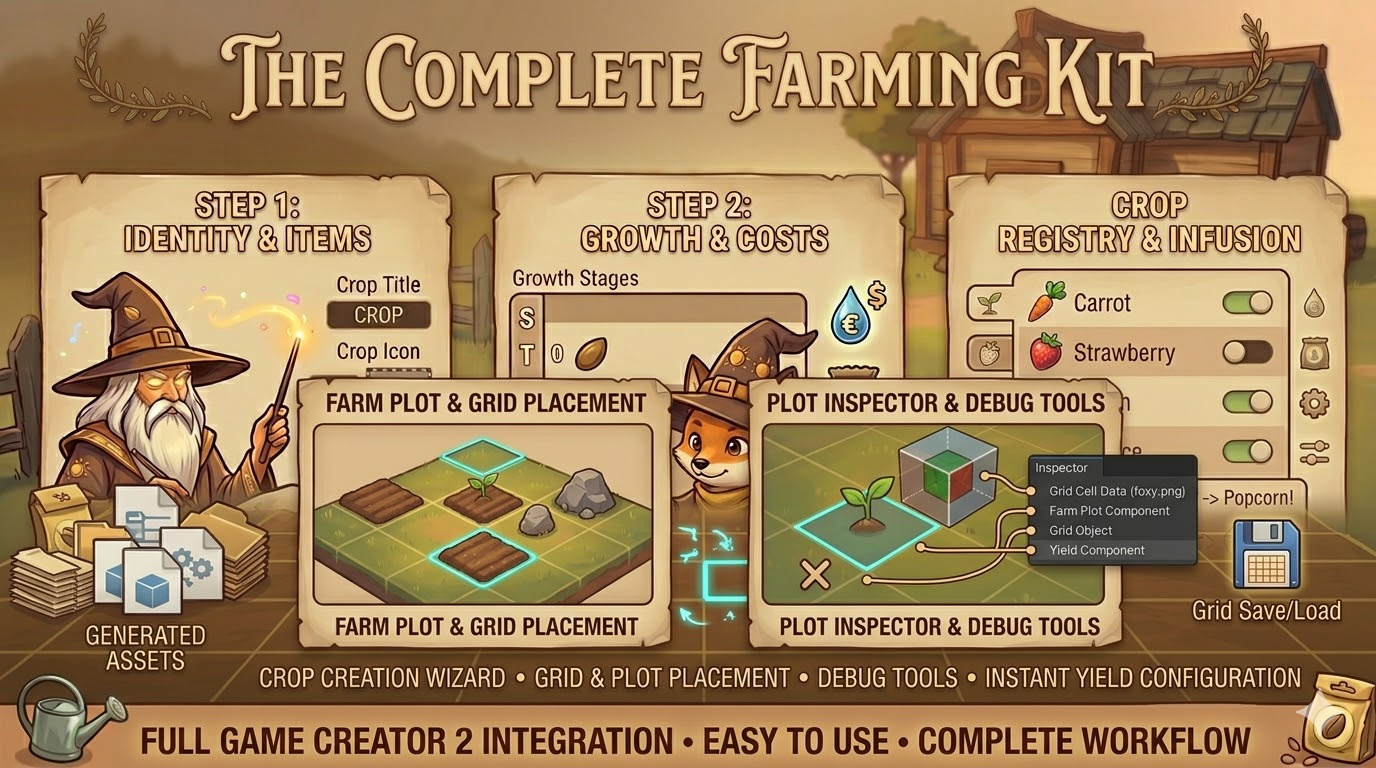
The plot system deserves a mention too. Farm plots snap to a visual grid, plots can be resized, and soil visuals are customizable. At runtime you get a plot inspector that shows the state of any cell, plus debug tools to force growth, force harvest, or clear plots instantly. Anyone who has playtested a farming game by literally waiting for crops to grow will appreciate that last part. And the grid serializes out of the box, so farm state persists across sessions without you touching a save system.
Who This Is For (and Who It Is Not)
The obvious fit is anyone building a farming or life sim in Game Creator 2. But farming loops also show up as side content in RPGs, survival games, and even tycoon hybrids, and that is where a drop-in module makes the most sense: nobody wants to spend a month on a side mechanic. If you already ship GC2 content, this slots straight into your existing inventory and visual scripting, the same way the fishing module we covered in our guide to adding a Stardew style fishing minigame in Unity does.
Fair warning on requirements: you need Game Creator 2 Core and the Inventory module, full stop. If you are not in the GC2 ecosystem, this is not your tool, and I would rather say that plainly than have you buy the wrong thing. And if your bottleneck is placing objects in the world rather than growing them, Rutz Studios' placement tool covered in our no-code object placement in Unity post is the better starting point; the two modules also complement each other nicely for player-built farms.
The Verdict
At $34.99, Easy Farming for GC2 costs less than what most of us bill for a single hour of systems programming, and it replaces weeks of it. The wizard-driven crop pipeline means it scales with your content instead of fighting it, the infusion system gives you design depth most homebrew implementations never reach, and the built-in save support removes the single most common failure point of DIY farming code.
If a farming loop is anywhere on your roadmap, grab Easy Farming for GC2 on DevLoot and spend your month on the parts of your game nobody sells in a box.