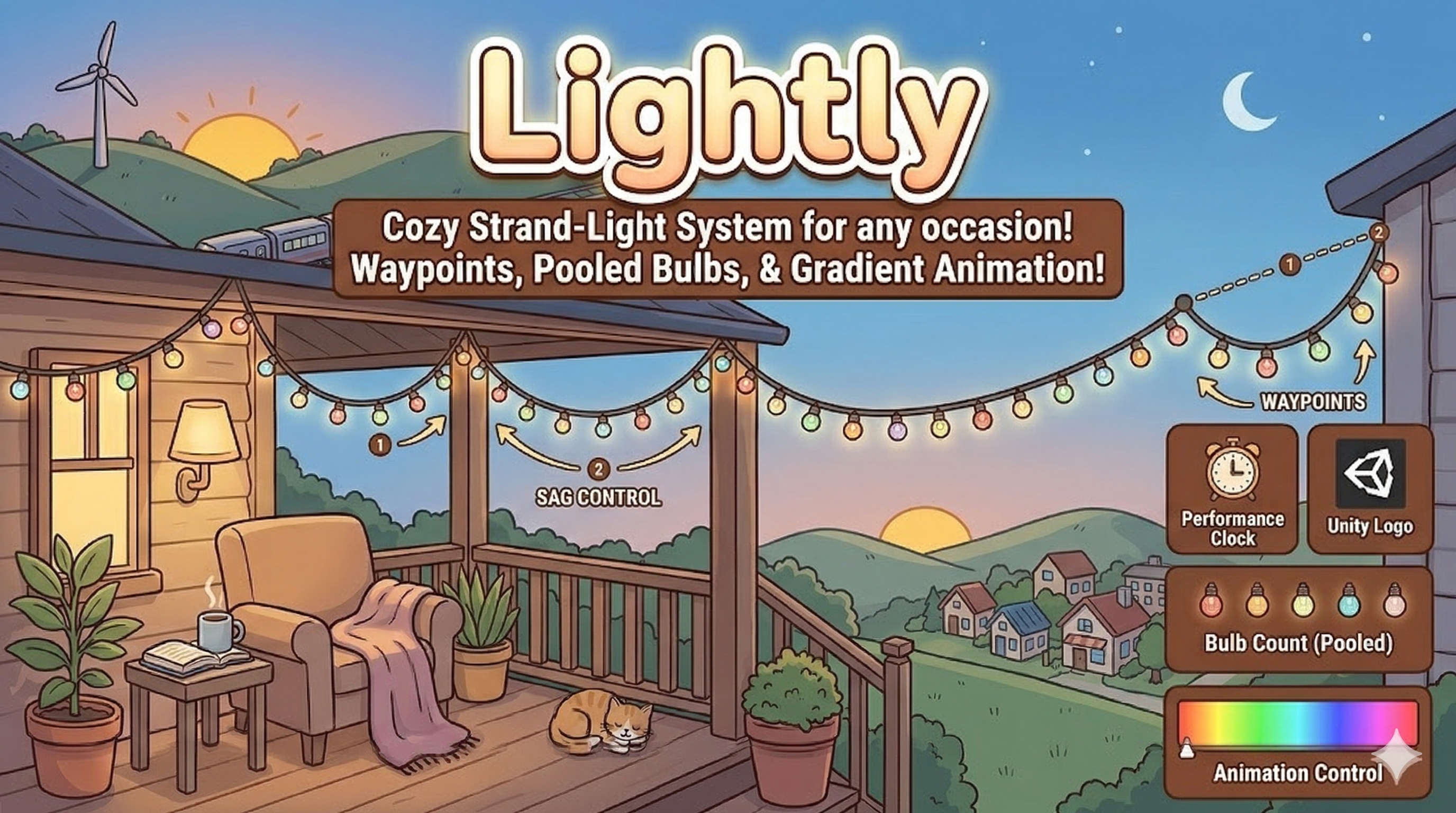
Procedural Hanging Lights in Unity: Stop Hand-Placing String Lights
Every Unity dev has been here. The market street is modeled, the tavern porch is dressed, the festival square has its stalls, and the scene still feels dead. So you add string lights. Ten minutes later you are copy-pasting sphere after sphere along a line, nudging each one by eye, and wondering why the wire looks like a ruler laid across the street.
Hanging lights are one of those details that sound trivial and turn into a time sink. This post covers why they are harder than they look, what a good workflow needs, and a free tool that solves most of it.
Why string lights are a surprisingly annoying problem
A strand of festive lights has four things that all have to look right at once: the path, the sag of the wire, the spacing of the bulbs, and the color behavior. Get one wrong and the whole thing reads as fake.
The usual approaches all have a catch. Hand-placing bulbs gives you uneven spacing the moment you move a waypoint. A single stretched mesh looks stiff and cannot sag. A LineRenderer gets you a wire but no bulbs. A spline package gets you a curve, but you still write the code that spawns bulbs along it, handles looping, and keeps colors varied.
Then there is performance. A town square with fifteen strands of forty bulbs each is 600 objects. If every one is a live instance that is always rendered, you will feel it on lower-end hardware, especially if each bulb has an emissive material and a light component.
Good set dressing should cost minutes, not afternoons. If moving one waypoint means rebuilding a whole strand by hand, the tool is wrong.
What a good hanging-lights workflow needs
After enough projects you end up with a checklist. Mine looks like this:
- Path-driven placement. Drop waypoints, get a strand. Move a waypoint, the strand updates.
- Even bulb spacing. Bulbs should be distributed by distance, not by whatever the point density happens to be.
- Believable wire. Real cables sag between supports. You want control over sag amount and direction, and ideally a smooth curve option for long runs.
- Live preview in edit mode. If you have to press Play to judge spacing and color, iteration is slow.
- Reusable looks. You should be able to save a style once and apply it to every strand in the level.
- Cheap at runtime. Pooling and culling, so a lit-up street does not tank the frame rate.
The tool that ticks those boxes: Lightly
Lightly is a procedural hanging lights system for Unity built by Rutz Studios and listed free on DevLoot. You draw a path with waypoints, pick a bulb style (a primitive or your own prefab), choose a color look (a palette or a gradient), and the system builds the strand for you.
The parts that matter in practice:
- Three wire shapes. Straight, sag per segment, or Catmull-Rom curves, with sag factor, direction and tension exposed. Short porch runs want visible sag. Long street runs look better with a smooth curve.
- Spawn modes. Bulbs can go along segments, on waypoints only, or both, with even spacing and loop support. Waypoints-only is exactly what you want for a carnival marquee.
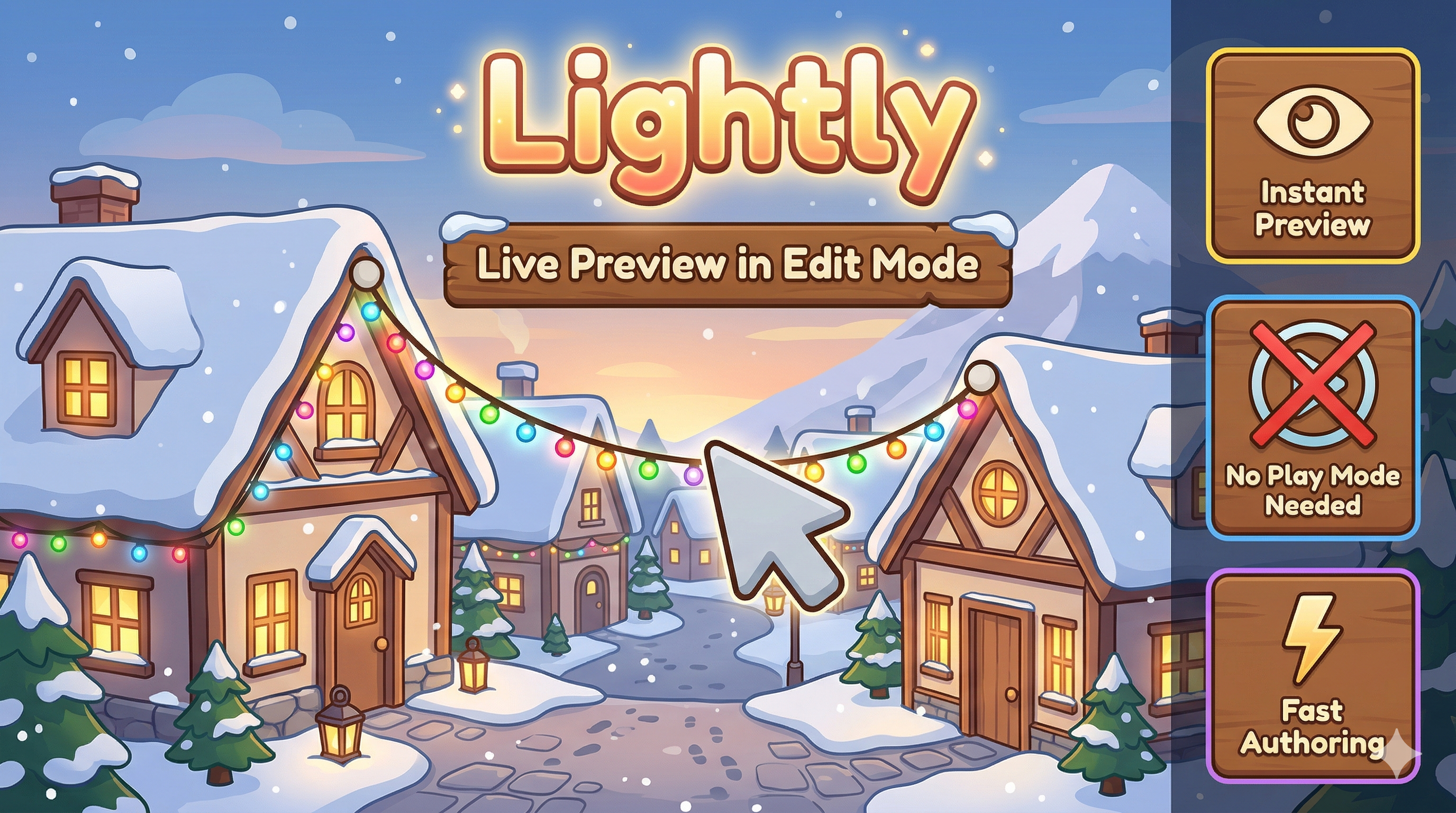
- Edit-mode live preview. You see spacing, sag and color change as you work, with a manual refresh button when you want a clean rebuild. Editor caps on preview FPS and bulb count keep the Scene view responsive.
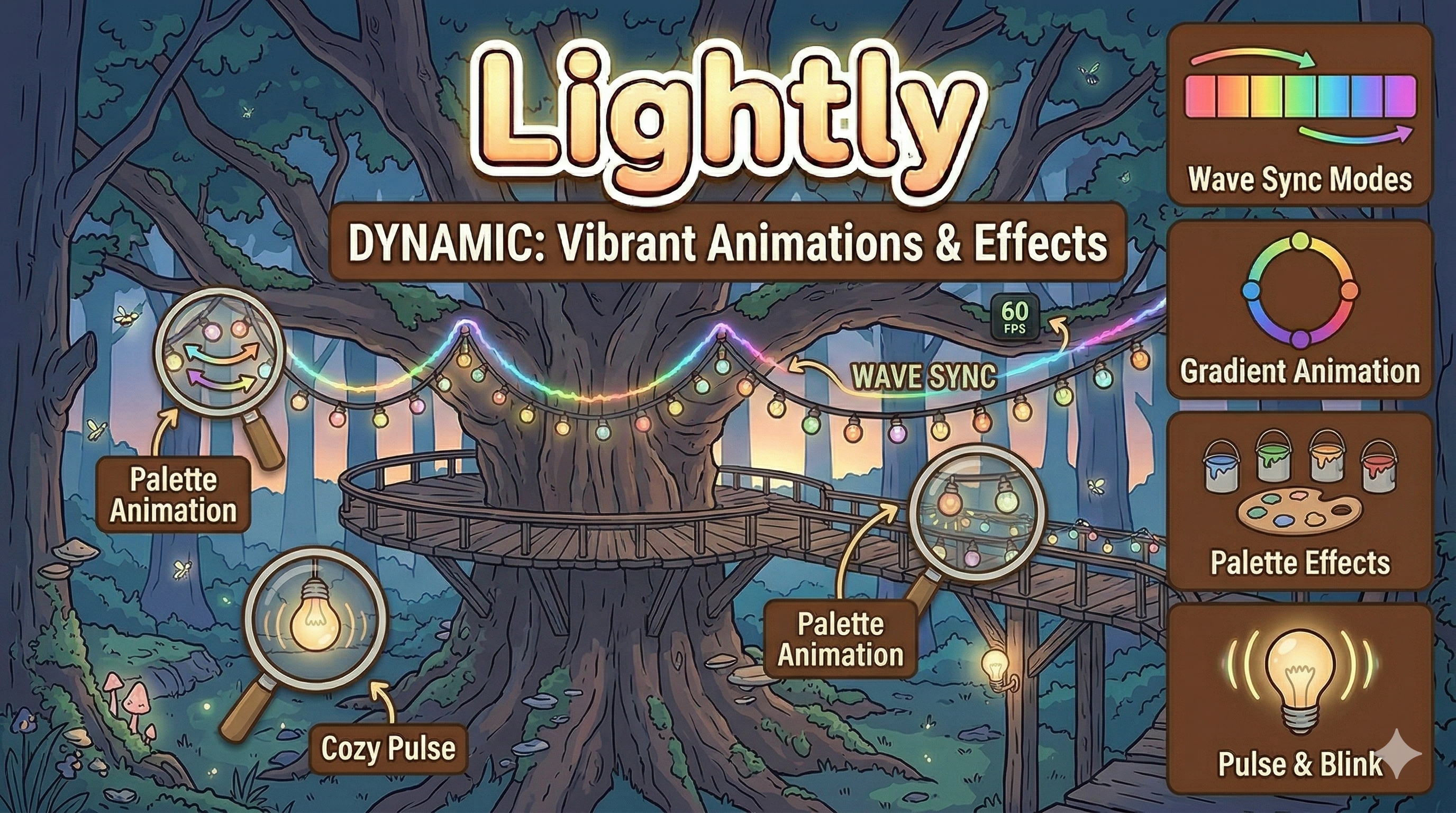
- Color and effects. Palette or gradient coloring, in-sync, out-of-sync or wave coordination, plus blink, pulse and color cycling. The wire itself can be a LineRenderer that follows the bulb colors.
- Profiles. Save a full look to a ScriptableObject and apply it to as many strands as you like. Change the profile, and every strand that uses it stays consistent.
- Pooling and culling. Optional pooling plus frustum culling with hysteresis, so bulbs do not flicker in and out at the edge of the view.
Who it is for
If you build towns, villages, markets, fairs, or cozy interiors, this is the kind of tool that quietly saves you hours across a project. It also suits solo devs who do not have a tech artist to write a spline spawner, and teams who want one shared look across many scenes.
Some concrete setups the docs and feature set point to:
- Town squares and market streets: long Catmull-Rom runs with a subtle pulse.
- Shop fronts and porches: sagged wire and warm gradients.
- Carnival and fair marquees: waypoints-only bulbs, a fast blink, bigger bulb scale.
- Seasonal or quest events: swap a profile or palette at runtime to turn a normal street into a festival.
It supports Built-in, URP and HDRP (use an emissive material for bulbs and wire), has no required dependencies, and works with Unity 2020.3 or newer. If you use Game Creator 2, the API hooks (StartShow, StopShow, SetEnabled, Rebuild, ApplyProfile, SetPalette) are easy to call from actions, but GC2 is optional.
A quick workflow to try
Here is how I would approach a new street in about ten minutes:
- Create an empty root and add child objects as waypoints along the rooftops or lamp posts.
- Add the Lightly component, point it at the root, and pick Catmull-Rom for a smooth sweep.
- Start with a gradient from warm yellow to orange. Keep pulse speed around 0.3 to 0.8 and pulse amount around 1.1 to 1.3 for a natural, cozy feel.
- Save the result as a profile, then reuse it on the next strand and tweak only the sag.
- Bump bulb scale and add a faster blink only for the fairground set piece, so the contrast sells the difference.
Pair it with the rest of your scene dressing
Lights are the finishing layer, so they work best on top of a solid environment. If you are still deciding how to build the space itself, our guide to modular environment kits covers how to assemble streets and plazas fast. And if your scene runs fine until you add all that emissive glow, read draw calls and batching in Unity to see why pooling and culling matter.
Verdict
I am not going to tell you string lights will make or break your game. But the gap between a flat street and one that feels lived in is often a handful of small touches, and this is one that is cheap to do well. Because Lightly is free, the risk is a few minutes of your time. If you have ever hand-placed bulbs and regretted it, grab Lightly on DevLoot, drop it into a test scene, and see how fast a dead street turns into a festival.