Build a Fantasy Dungeon Fast: Modular Catacombs for Unity
Every dungeon crawler hits the same wall. You have a great idea for an underground level, a crypt where players creep between burial niches and something old is waiting in the dark. Then you open an empty scene and realize you need walls, floors, arches, stairs, pillars, coffins, torches, and a pile of clutter to make it feel lived in (or died in). Building that from scratch is weeks of modeling before a single enemy spawns.
Why dungeons and catacombs are harder than they look
Outdoor levels forgive a lot. A tree is a tree, and a rock can be rotated a few degrees and nobody notices. Underground spaces do not forgive anything. Corridors have to meet at clean angles, ceilings have to close, and every seam between two wall pieces is a place where the player sees light leaking through or a gap that breaks the mood.
That is why most indie teams end up in one of two bad places. Either they grey out the whole level with generic cubes and never replace them, or they kitbash pieces from three different art styles and the crypt looks like a yard sale. Both options hurt the one thing a dungeon is supposed to deliver, which is atmosphere.
A dungeon is only as scary as its consistency. One mismatched wall piece and the player stops believing in the place.
The kit approach: build with pieces that already agree with each other
The fix level designers have used for years is the modular kit. Instead of modeling a room, you assemble it from a small set of pieces that share a grid, a texel density, and a visual language. If you want the longer theory, our guide to modular environment kits explains why this pays off so well, and the level blockout and greyboxing guide covers how to plan the layout before you commit to art.
The catch is that a good kit takes real work to make. Pieces need to snap cleanly, the style has to hold together, and the whole set needs to stay light enough that a dense crypt does not tank your frame rate. This is exactly the gap that Stylized Fantasy Catacombs was built to fill.
What Stylized Fantasy Catacombs gives you
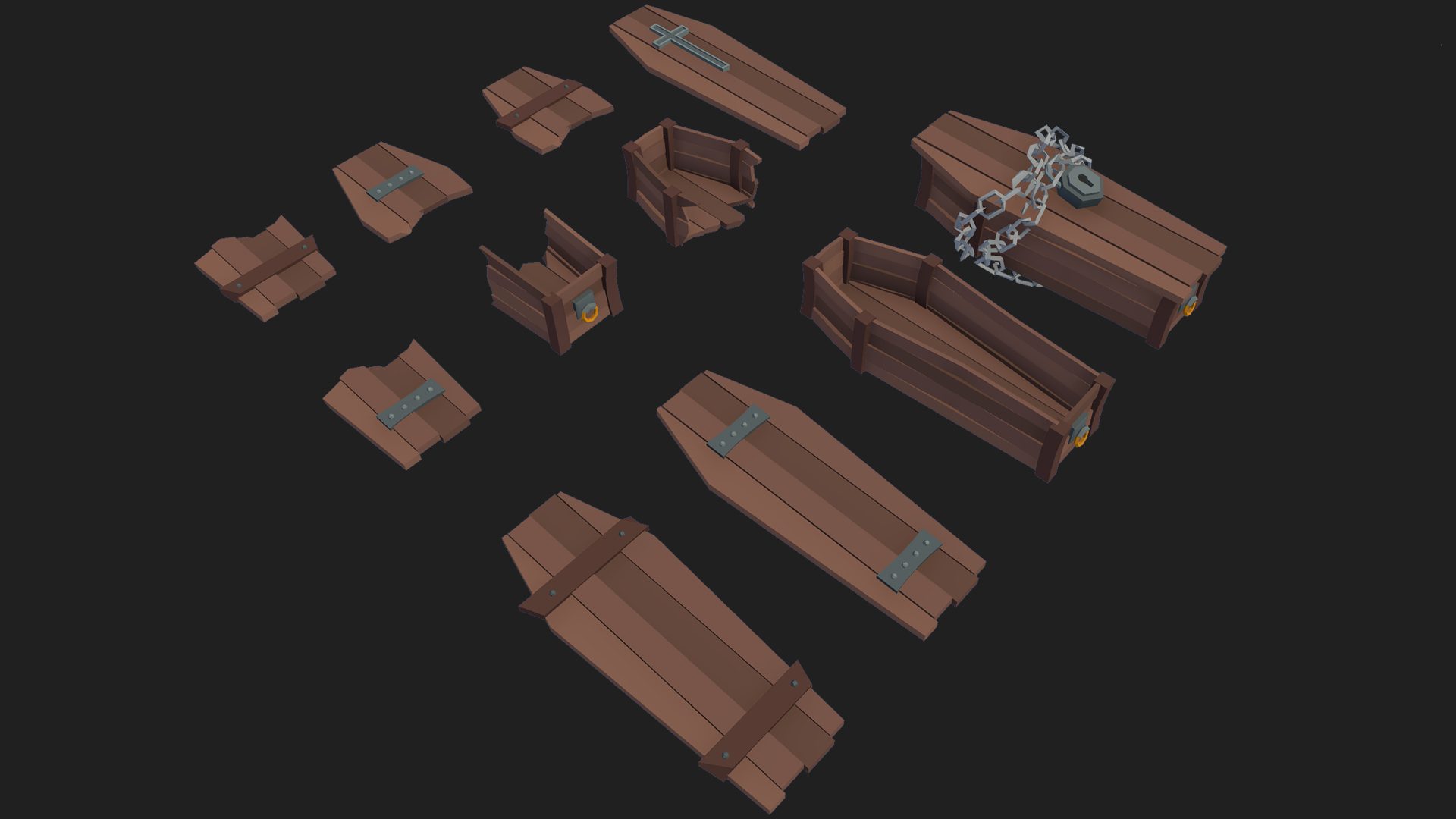
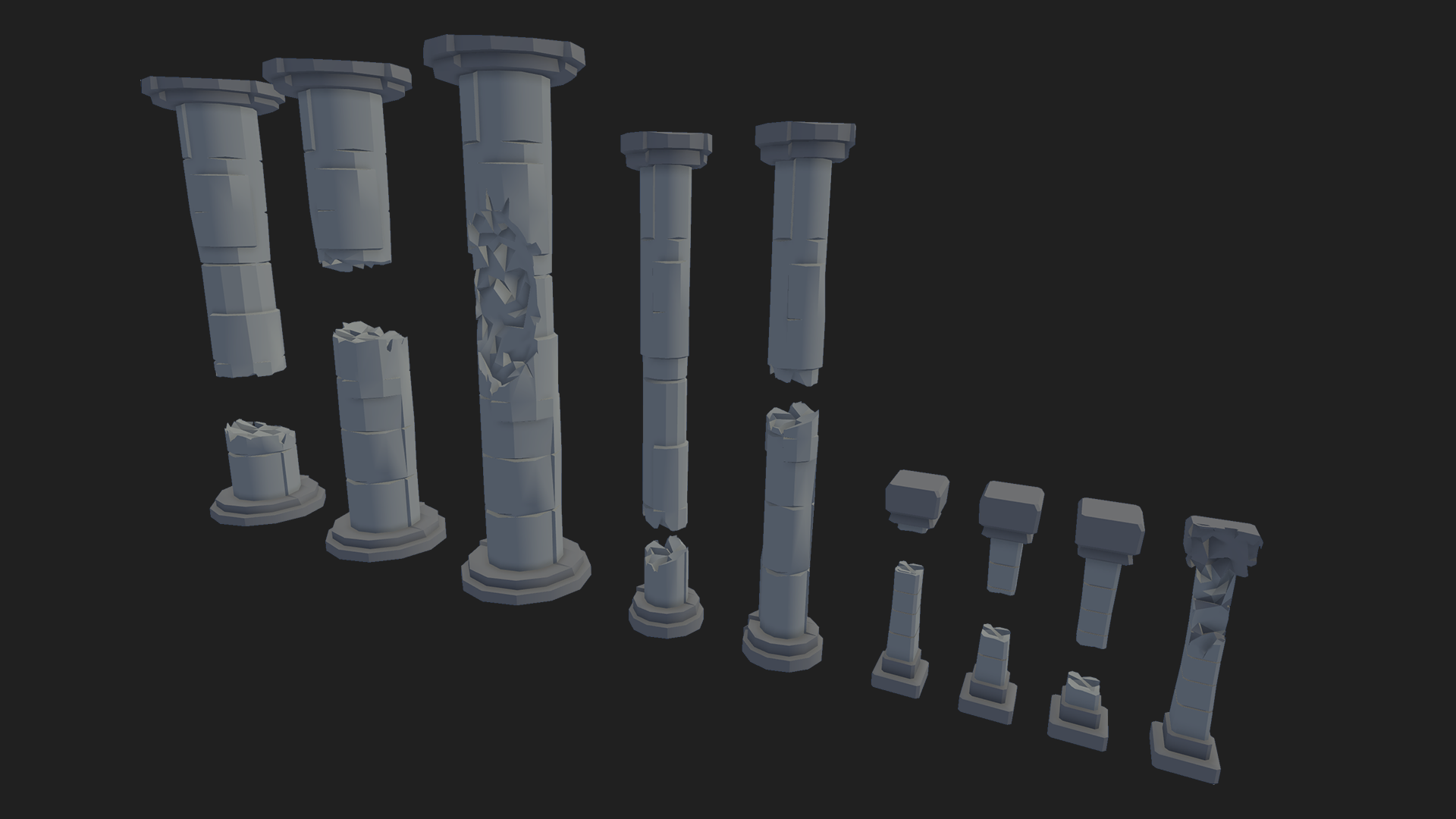
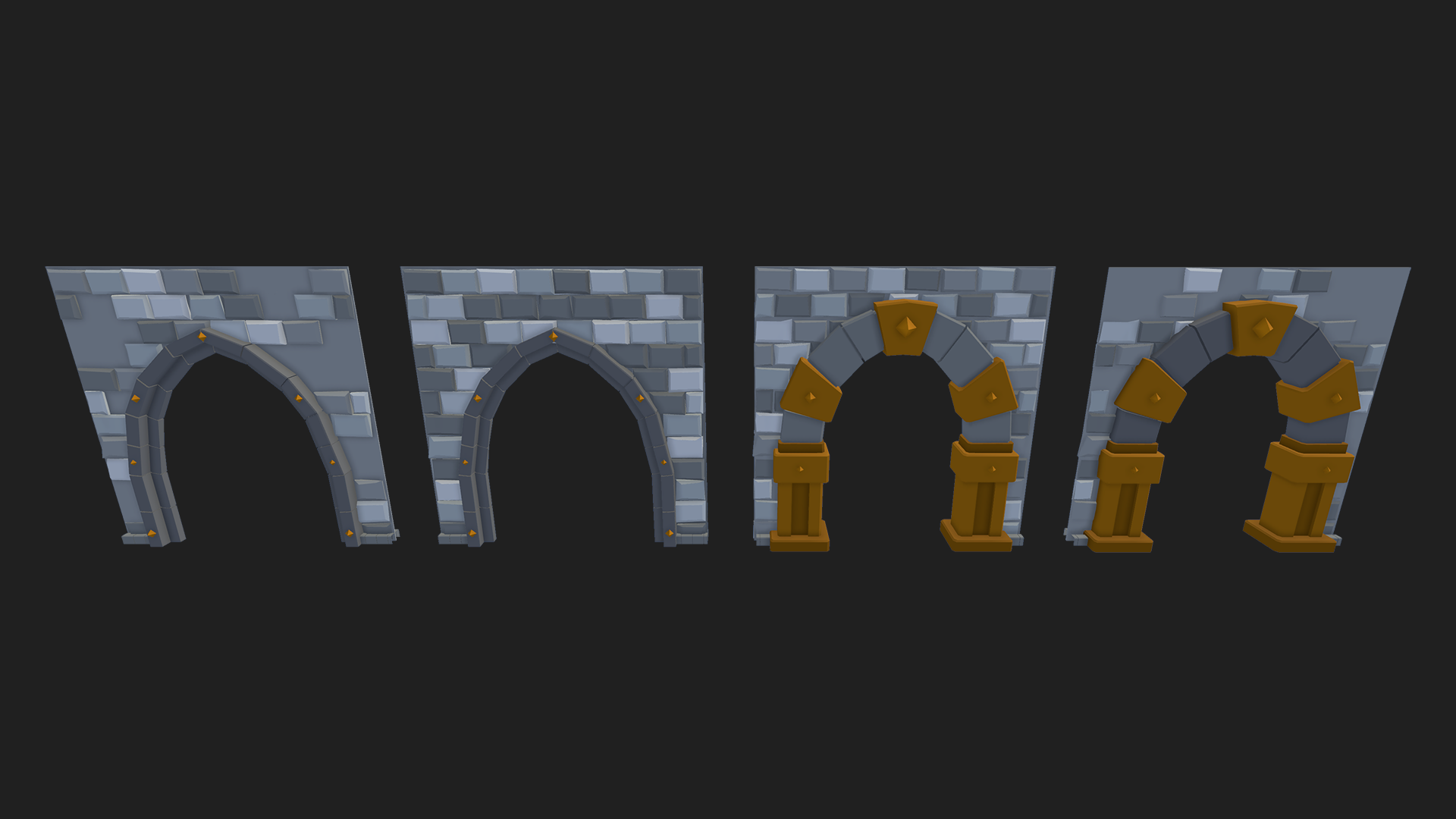
It is a modular, stylized low poly environment set aimed at fantasy worlds and immersive underground spaces. The goal is fast, flexible world creation, so you can go from a sketch on paper to a walkable crypt in an afternoon instead of a month. It targets Unity 2021.3 and newer, and it ships under the standard DevLoot EULA, so you can use it in commercial projects.
Because the art is stylized and low poly, it plays nicely with the way most small teams actually work. The silhouettes read clearly, the textures stay clean, and you are not fighting a photoreal look that demands a huge lighting budget. If you are still deciding which direction suits your game, our breakdown of low poly versus realistic assets is worth a read.
Faster blockout to final
The practical win is that your blockout can become your final level. You place pieces on a grid, check the flow, and keep going. There is no long handoff where a greybox gets thrown away and rebuilt by an artist who you may not even have. For solo developers and tiny teams, that single change removes the biggest bottleneck in level production.
One style across the whole space
When every wall, floor, and prop comes from the same set, you get a coherent look for free. That consistency is the difference between a level that feels designed and one that feels assembled. It also means a second designer can build a new wing of the crypt next week and it will match the first.
Easy to extend into a bigger world
Catacombs rarely live alone. They sit under a church, a graveyard, or a town. The set is designed to sit alongside other stylized fantasy content, so you can connect your underground to a surface world without a jarring style jump. If you are building out the town above, the Stylized Fantasy Marketplace follows the same stylized direction.
Who it is for
This pack makes the most sense for a few kinds of people. Solo devs building a dungeon crawler, roguelike, or action RPG who need a convincing underground without hiring an environment artist. Game jam teams who have 72 hours and cannot afford to model anything. Designers prototyping levels who want their prototype to look presentable in a pitch. And tabletop fans building digital versions of their favorite crypts.
It is less suited to teams chasing a photorealistic horror look. If that is your target, you will want a different art direction. For the large middle ground of stylized fantasy games, though, it is a strong starting point.
A simple workflow to try
Start with a paper or whiteboard map of your crypt: one entrance, one boss chamber, and two loops so players do not backtrack constantly. Block out the main path with simple shapes first, as described in our blockout guide. Then swap in the catacomb pieces room by room, keeping corridors on the grid. Add props last, and light the space with a few warm points against a cold ambient so the shadows do the storytelling.
Keep an eye on performance as you go. Dense underground scenes can pile up draw calls quickly, so it helps to understand draw calls and batching in Unity before you fill every room with unique props.
Our take
We build and use environment kits ourselves, and the honest truth is that the best ones disappear into your game. Nobody praises the wall pieces. They just notice that the crypt feels right. If you have been putting off your dungeon level because the art feels like a mountain, a consistent modular set is the shortest way down that mountain.
You can browse the full set and see every screenshot on the Stylized Fantasy Catacombs product page. It is a small spend compared with the weeks of modeling it replaces, and it lets you spend your time on what players actually remember: the encounters, the pacing, and the thing waiting in the dark.
Ready to build your crypt? Check out Stylized Fantasy Catacombs on DevLoot.